Connecting MYSQL Database to ASP.NET Project
Install
Pomelo.EntityFrameworkCore.MySqlfrom Nuget package manager console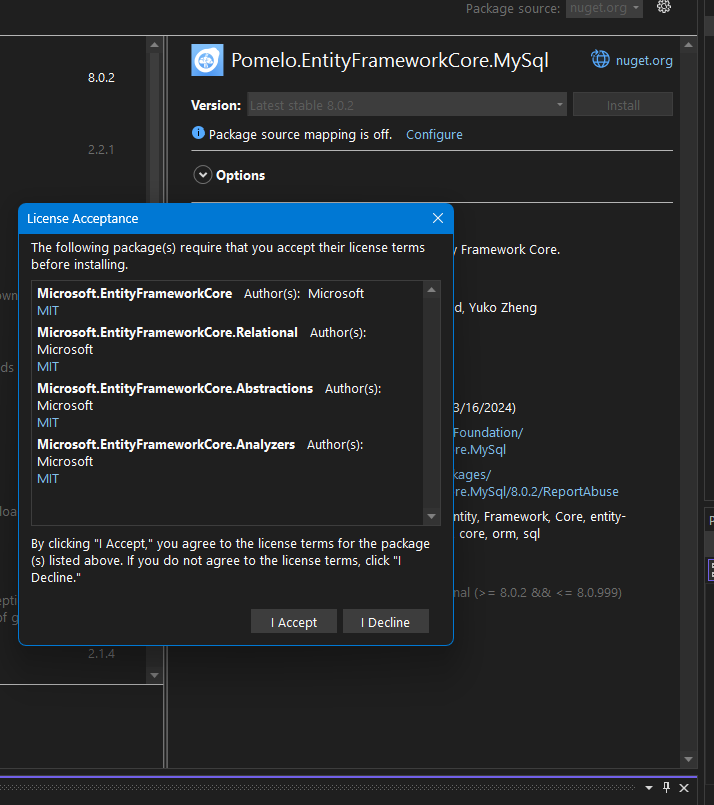
Set the connection string in
appsettings.jsonas{ "Logging": { "LogLevel": { "Default": "Information", "Microsoft.AspNetCore": "Warning" } }, "AllowedHosts": "*", "ConnectionStrings": { "dbcs": "Server=localhost; Port=3306; Database=bulky; User=root; Password=;PersistSecurityInfo=True;" } }Change the
Program.csfile as required to get Mysql connection stringvar builder = WebApplication.CreateBuilder(args); // Add services to the container. builder.Services.AddControllersWithViews(); // Register IConfiguration and read connection string from appsettings.json builder.Services.AddSingleton(builder.Configuration); // Configure DbContext with MySQL builder.Services.AddDbContext<ApplicationDbContext>((serviceProvider, options) => { options.UseMySql(builder.Configuration.GetConnectionString("dbcs"), new MySqlServerVersion(new Version(8, 0, 28))); // Adjust the version according to your MySQL server version }); var app = builder.Build();Now add-migration and update the database.
87 views

